3.1.3-1 Create Server
This feature allows you to create and run servers from Group Management.
a) Click the [+] button (Create Server) on a server group.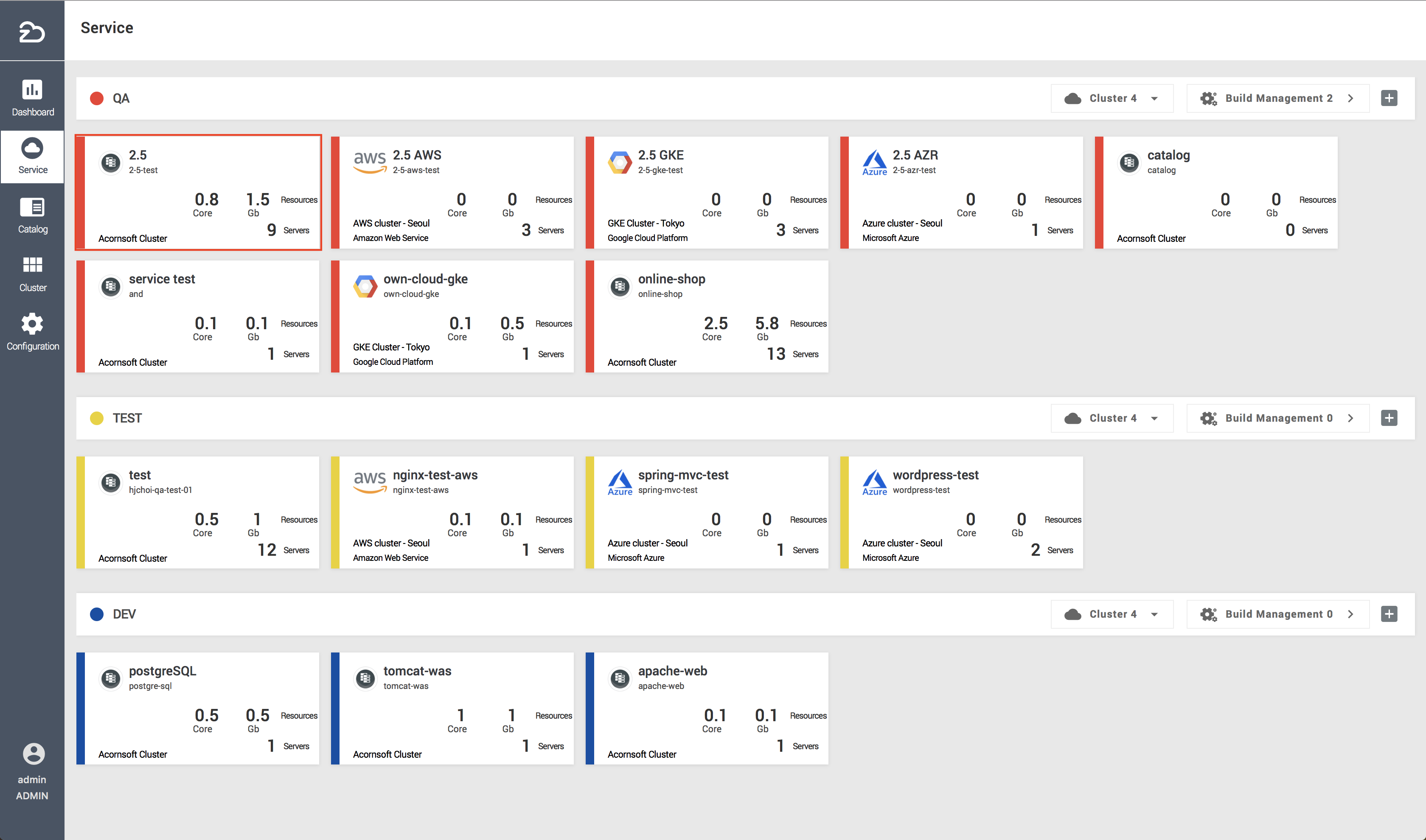
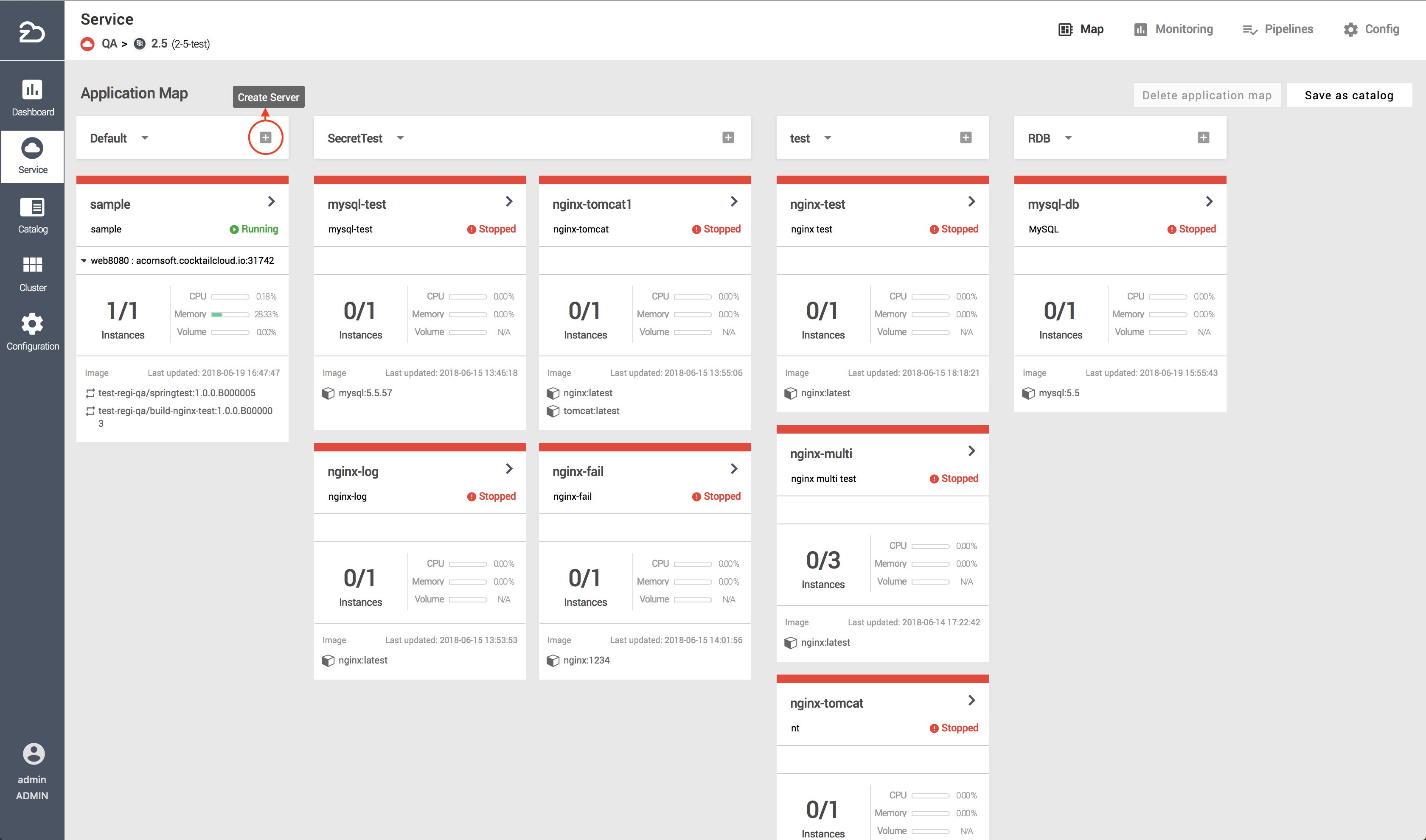
b) Enter basic, container, instance, update policy, service port, and volume information and click the [Create] button to create a server.
- Basic Server Information Definitions

| Item | Description |
|---|---|
| Name | Name of server to be created |
| Group | Group where the server is to be created |
| Type | The instance and update policies cannot be modified if the server instance type is single (as opposed to multi) |
| Description | Description of server |
Create Container
Click the [+] button to the right of the container.

Enter container name, select the desired image to be used from the builds or images, and define the CPU/memory resource values.

You may enter commands to be used as the container is created.

You may enter the environment variables for the container or select and set up a secret.

You may set up the security policy.

You may set up the container health check.

Instance (Applicable only if server type is ‘Multi’)
- Click the ✎ button from the instance attributes


| Item | Description |
|---|---|
| Auto-Scaling Type | Defines criteria for auto-scaling |
| CPU Utilization (Percentage) | Auto-scaling criteria (utilization rate) |
| Maximum Number | Maximum instance scaling value |
| Number of Instances | Base number of instances |
| Sticky Session | Option to maintain session on specific client request |
Update Policy (Applicable only if server type is ‘Multi’)
- Click the ✎ button from the update policies


| Item | Description |
|---|---|
| Update Policy | Define as Rolling Update / Recreate. Uninterrupted updates that increase resource efficiency are possible by defining pod termination and scaling via rolling updates. Updates can be done at once via Recreate |
| Service Removal (Terminated Pod Ratio) | Percentage of pods that are terminated when performing a rolling update |
| Scaled Pod Ratio | Percentage of pods that are scaled out when performing a rolling update |
Service Port

Deployment on Baremetal (Ingress is optional when using NodePort)

Deployment on Public Cloud (Ingress is mandatory when using NodePort)

| Item | Description |
|---|---|
| Internal | Internal communications network between containers |
| Cluster IP | Internal communications network between pods |
| Node Port | External access network |
| Loadbalancer | Load-balanced communications network |
| Item | Description |
|---|---|
| Name | Defines port name |
| Target Port | Defines container port |
| Port | Defines external port |
| Designation Status | NodePort designation and usage status |
| Ingress Status | Ingress usage status. (When deploying to a public cloud, Ingress cannot be used as the load balancer. When using NodePort, Ingress is mandatory. On bare-metal, however, Ingress is optional and can be used equally.) |
- Volume


| Item | Description |
|---|---|
| Volume | Creates volume for server |
| Volume Mount | Mounts server on generated volume |
| Volume Type | Description |
|---|---|
| Empty Dir | Temporary directory volume in container |
| Host Path | Cluster server volume where container is located |
| Config Map | Uses config file registered on server |
| Secret | Uses secret file registered on server (Can set whether to use permissions; Uses the CHMOD rule. When not used, the default permission is 644) |
| NFS Dynamic | Automatically creates and mounts a directory on external storage |
| NFS Static | Mounts existing directory on external storage |