3.1.2 Group Management
Servers are managed in groups, and a server can be created in a particular group. You can change group names and add, move, or delete groups. You can also change the number of columns.
a) Service → Select Application Map → Click the [▼] (Action) button of a server group to activate the menu.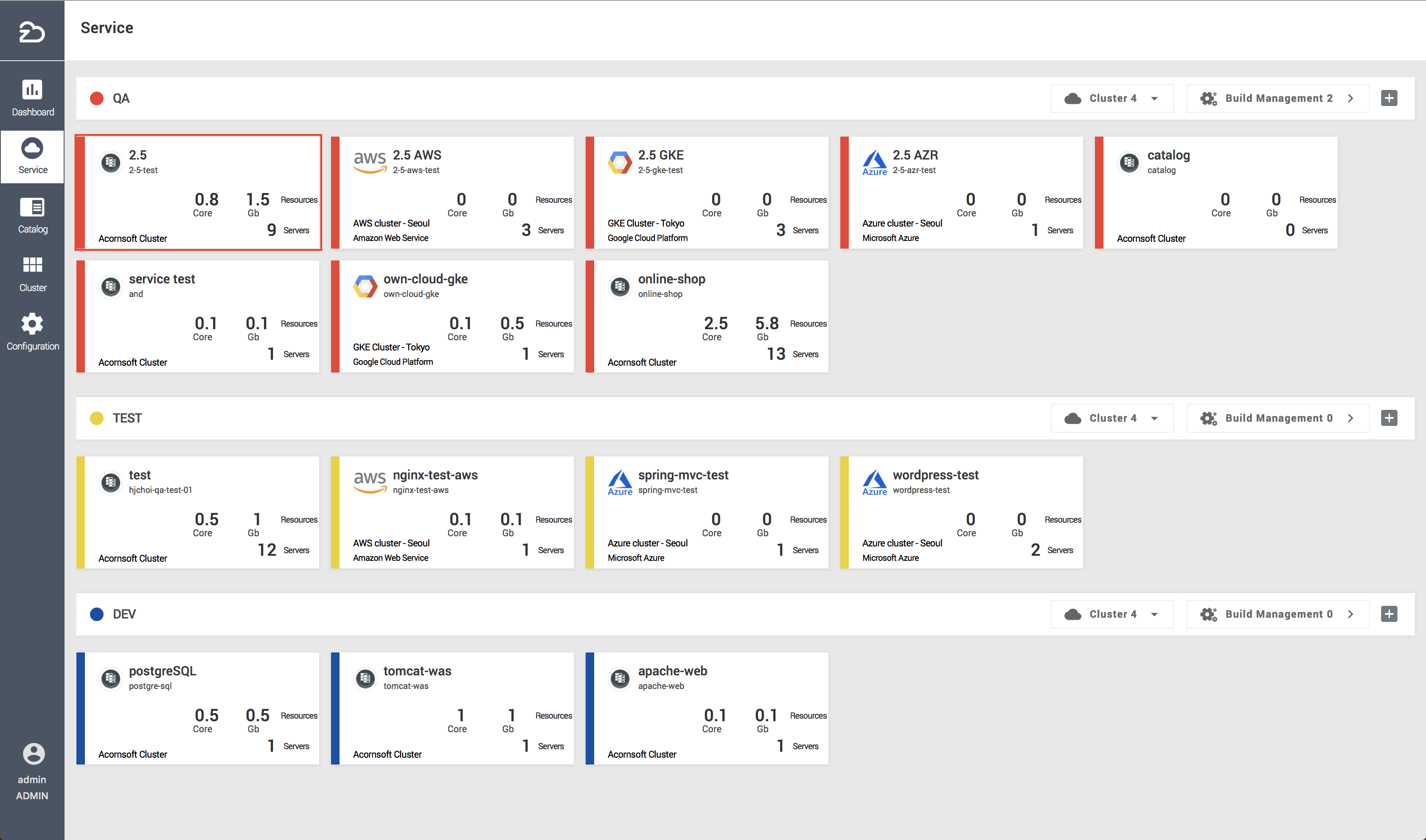
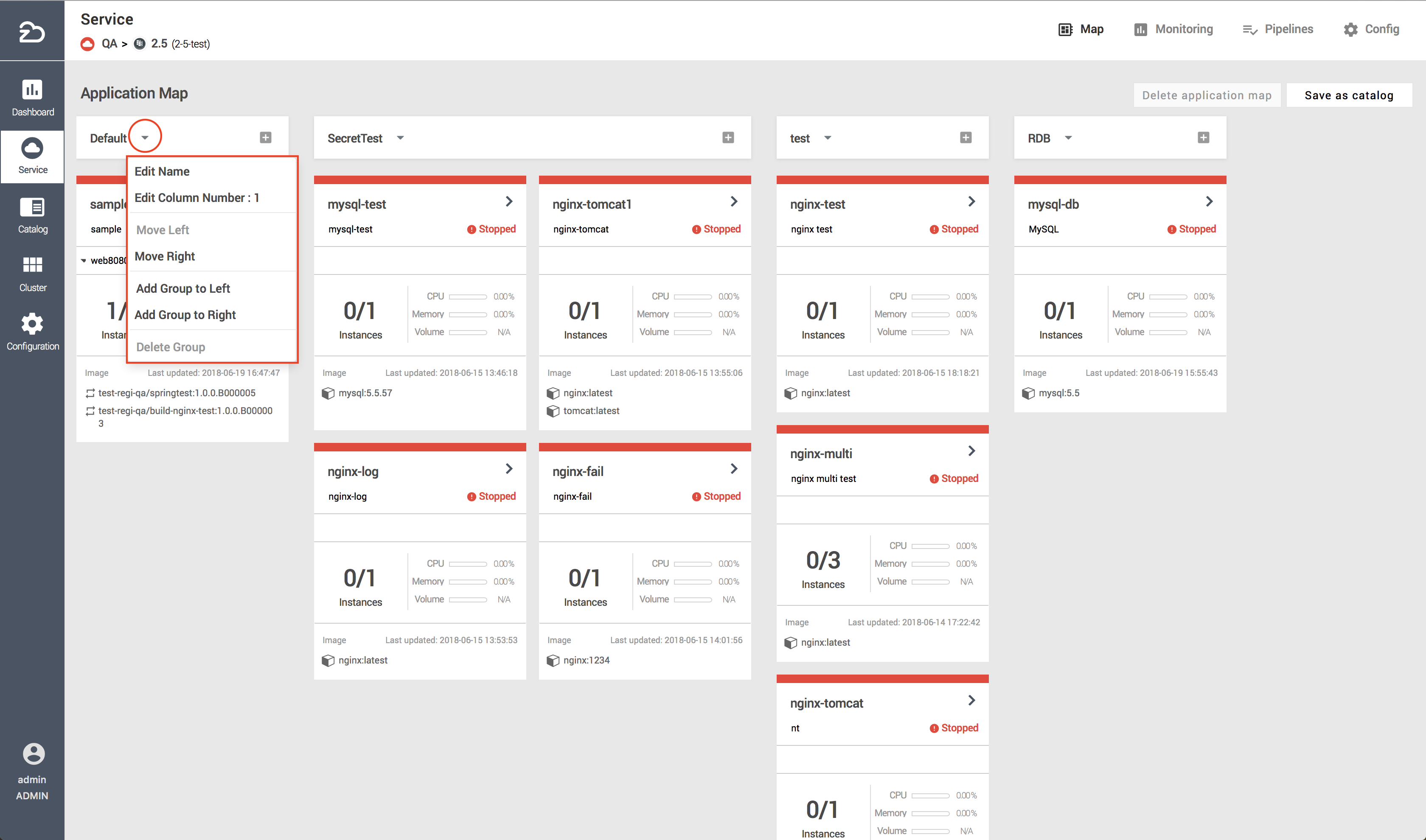
| Item | Description |
|---|---|
| Edit Name | Change a group name |
| Edit Column Number | Change the number of columns (Min: 1 - Max: 8) |
| Move Left | Move a group to the left |
| Move Right | Move a group to the right |
| Add Group to Left | Create a new group to the left of a group |
| Add Group to Right | Create a new group to the right of a group |
| Delete Group | Delete a group (Restricted if a server exists in the selected group) |